Monitor Individual Learner Progress with JumpLMS Learner Reports
JumpLMS Learner Reports give you a complete picture of how individuals are progressing through their assigned courses. Whether you're reviewing performance, preparing for a one-on-one, or analysing learner behaviour, our reports provide the data you need, all in one place.
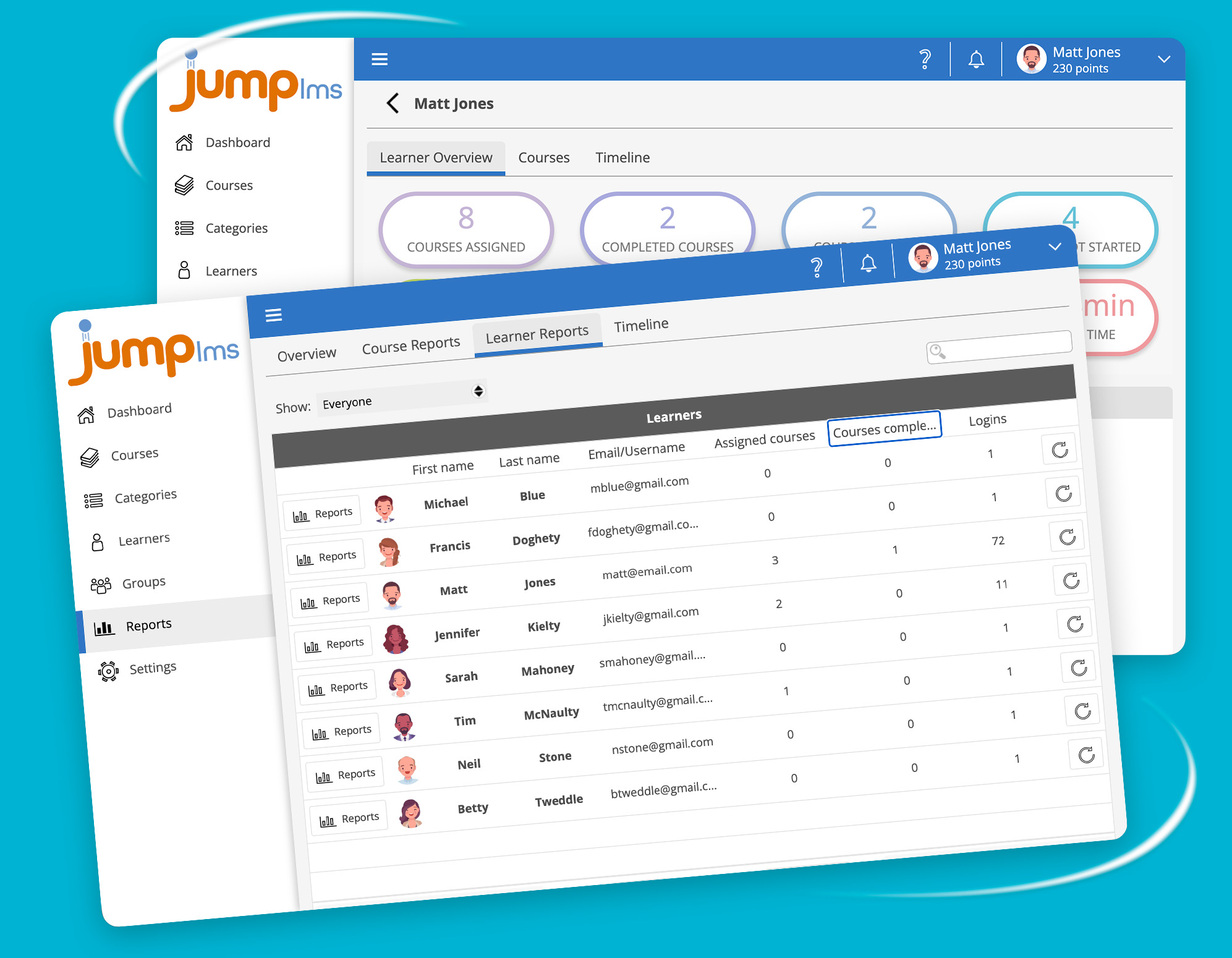
Learner Overview
Use it to spot active learners, identify those who may need support, and review individual progress without digging through multiple reports.
Course-Level Breakdown
Use it to quickly spot who’s on track, who’s falling behind, and where extra support may be needed.
Drill Deeper with Course Reports
Clear graphs, tables, and visuals make it easy to interpret performance, spot knowledge gaps, and take action quickly.
Learner Timeline
Filter by activity type, course, or date range to quickly review logins, course access, completions, test activity, and other milestones.
Use it to understand learning habits, spot gaps in engagement, and build a complete picture of each learner’s progress.