How to navigate around the course player in JumpLMS
The JumpLMS course player gives Learners several ways to move through a course. The options available depend on how the course has been configured.
If course navigation is set to Free, Learners can open available elements in any order. If it is set to Restricted, Learners must complete elements in sequence before later elements become available.
Navigate from the main menu
By default, each course has the main menu enabled. From the main menu, Learners can see the course elements available to them.
If Course navigation is set to Free, Learners can start course elements in any order at any time.
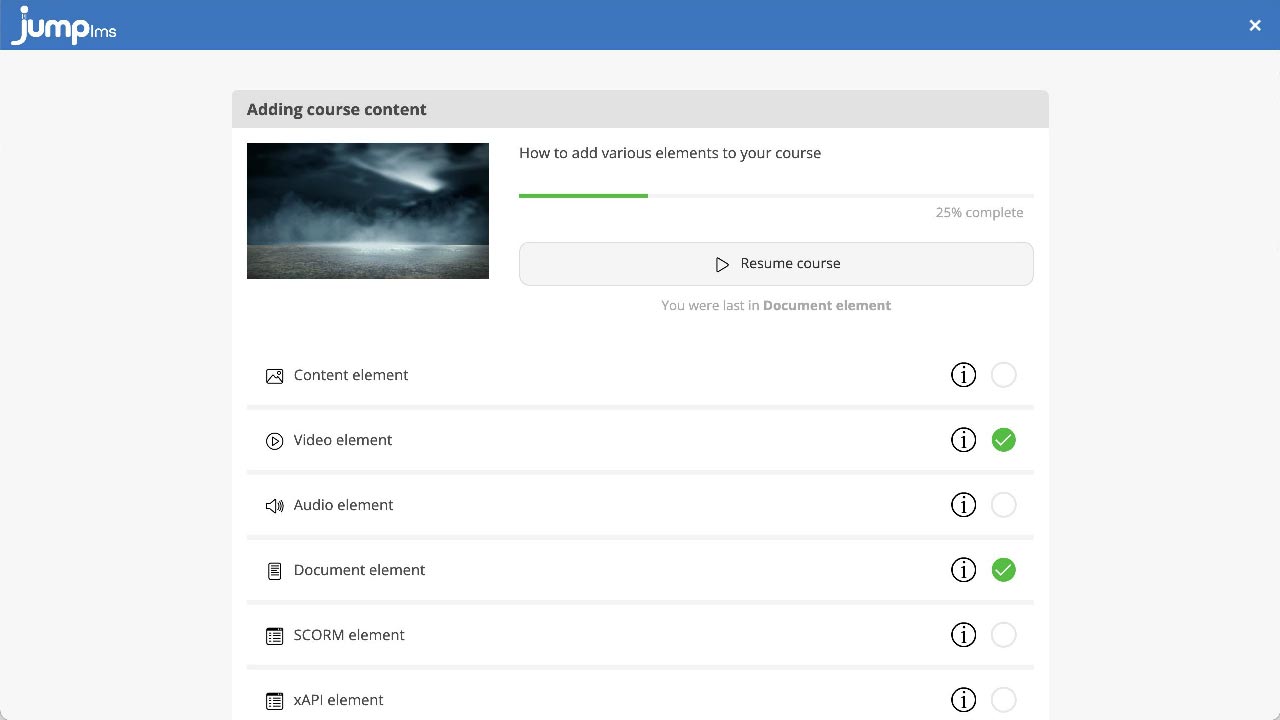
If Course navigation is set to Restricted, Learners must complete each element in order from top to bottom. Later elements only become active once the current element has been completed.
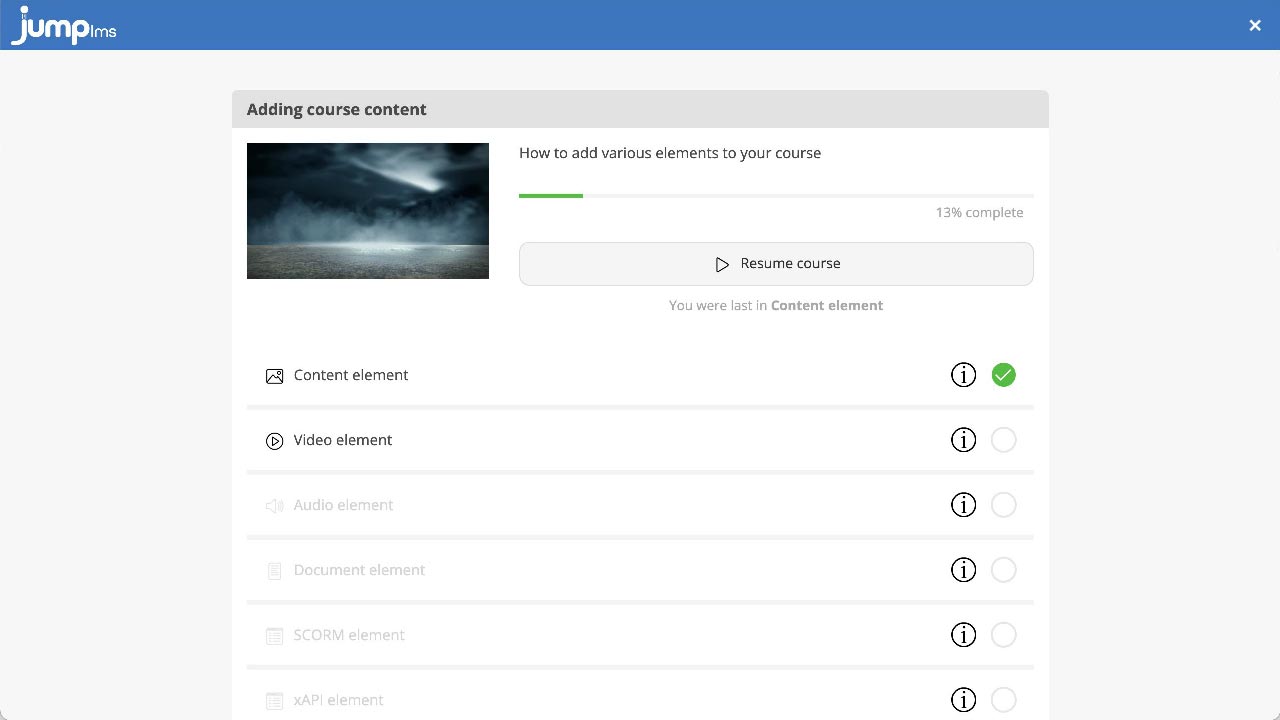
Navigate from the navigation menu
If the navigation menu is enabled and Course navigation is set to Free, Learners can start course elements in any order at any time.
If Course navigation is set to Restricted, Learners must complete each element in order from top to bottom. Later elements only become active once the current element has been completed.
Navigate with the next and previous buttons
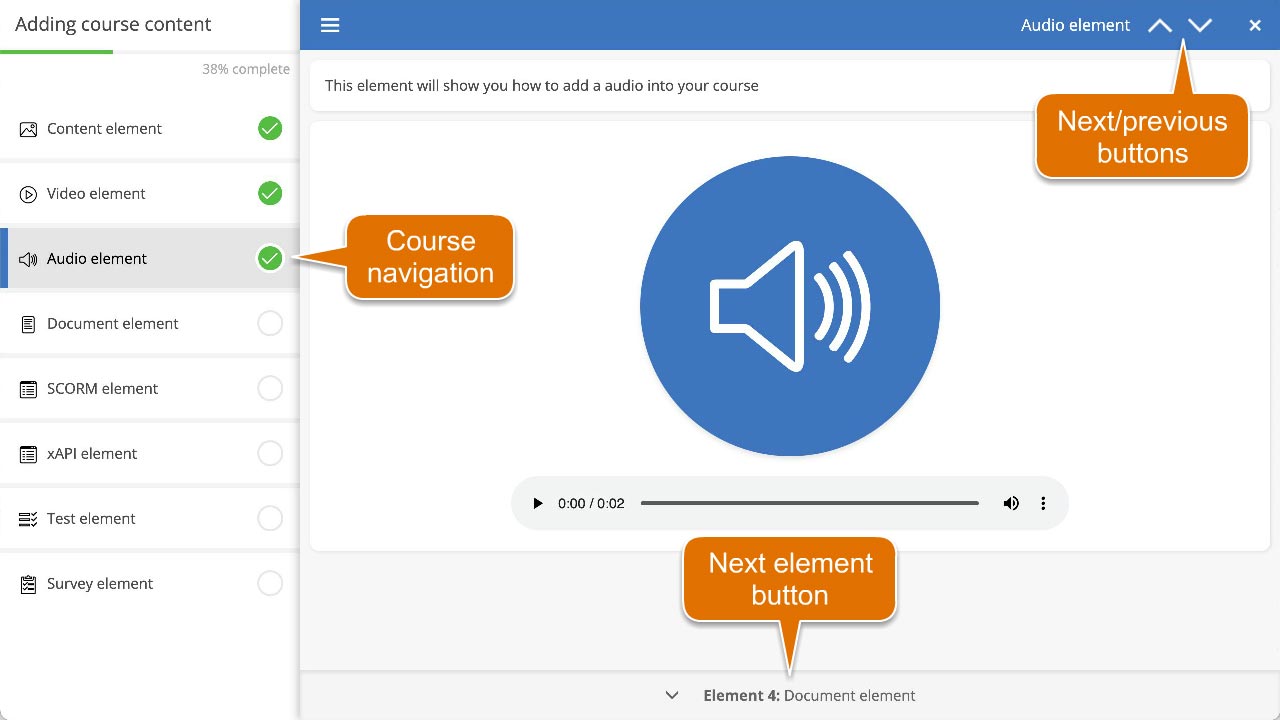
Learners can use the next and previous buttons in the course header to move through course elements sequentially.
These buttons are active when the next or previous element is accessible from the current element.
Navigate with the next element button
If there is an accessible element after the current one, Learners can use the next element button at the bottom of the course player to move to it.
Contact the JumpLMS team and we’ll help you find the right answer.